Skills
Find, read, and install skills that show Cue how to do a task.
Skills are packaged instructions, and sometimes tools, that show Cue how to do a kind of task on Cue OS, such as checking a flight or writing a news roundup. Browse them on the web, then read and install them with Cue CLI.
What you can do
- Browse public skills by category and sort them.
- Read a skill's full instructions before you use it.
- Search the Cue OS skill registry or the skills on your computer.
- Install a skill so the agents on your computer can use it.
- Package your own skill and share it.
On the web
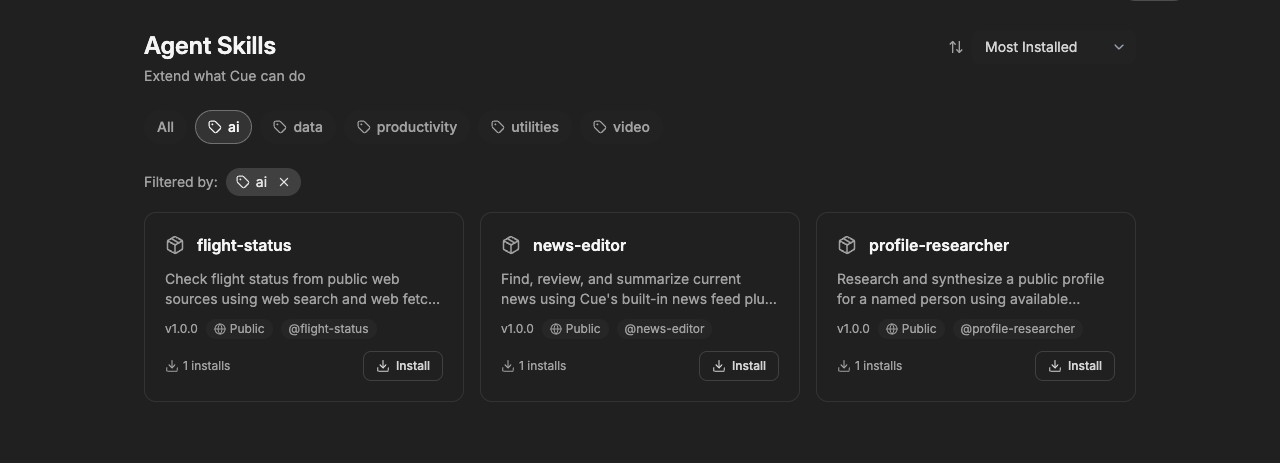
- Open the skill catalog. When signed in, you can also use Library → Skills, which has a search box.
- Choose a category, such as ai or productivity, or All.
- Use the sort menu to show Most Installed, Name, or Recently Updated first.
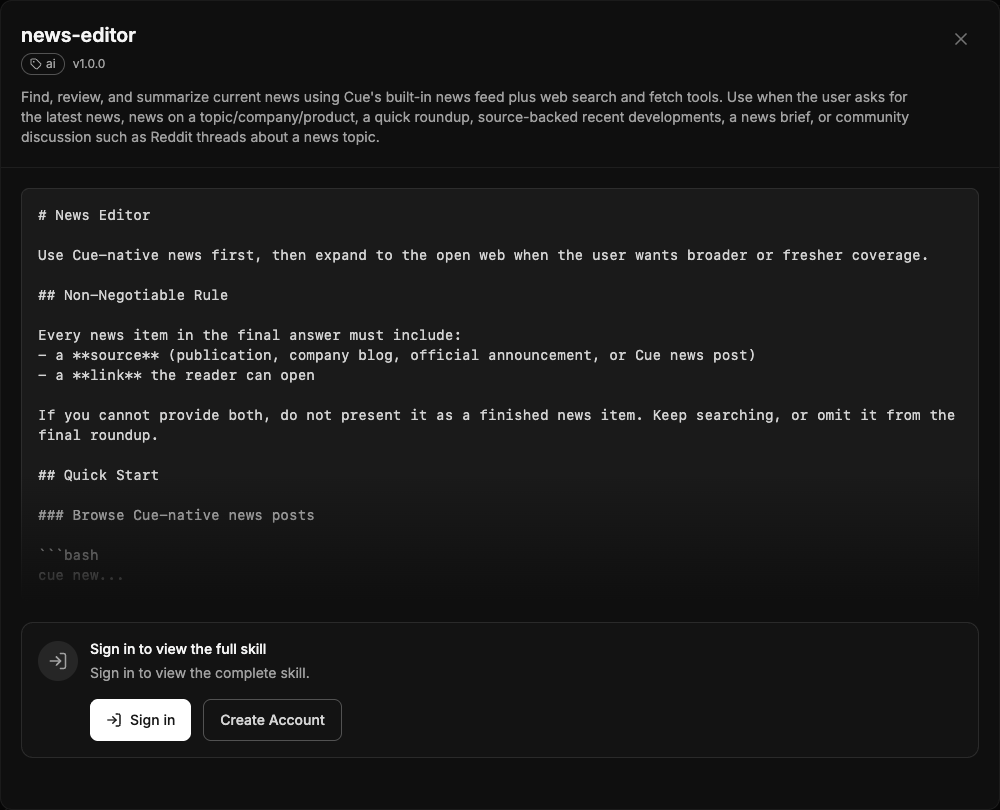
- Select a card to open the skill. Sign in to read its full instructions.
On iPhone and Android
The iPhone and Android apps are coming; store review is pending. You can use Cue OS in your phone browser now.
With Cue CLI
-
Set up Cue CLI and sign in. Search the Cue OS registry:
cue skill search flight -
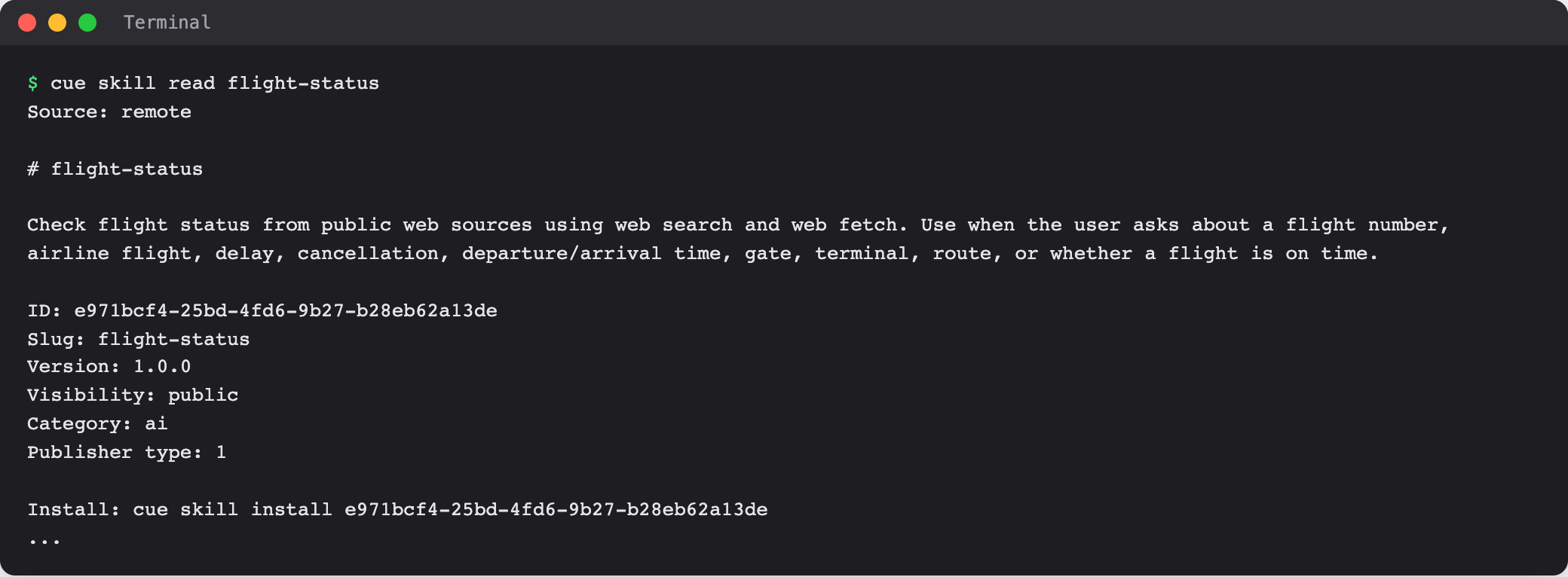
Read a skill before you use it. The output ends its header with the exact install command:
cue skill read flight-status -
Install it with the ID from the search or read output, or from a folder on your computer:
cue skill install <skill-id> cue skill install ./skills/my-skill -
List the skills your agents can use, and check whether one needs keys or settings:
cue skill list
cue skill doctor <name>
To search only the skills on your computer, add --source local. cue skill import copies skills from another agent tool's skill folder on your computer; run cue skill import --help for the supported folders.
For builders
A skill is a folder with a SKILL.md file of instructions, plus any files it needs.
-
Create the skill on Cue OS from your folder:
cue skill create ./skills/my-skill -
Upload a packaged version as a
.tar.gzfile, using the skill ID thatcreatereturned:cue skill upload <skill-id> ./my-skill.tar.gz -
When it is ready for everyone, make it public:
cue skill publish <skill-id>
Publishing makes the skill visible to everyone. Installing a skill never publishes it.
Limits today
- The Install button in the web catalog does not install anything yet. Use
cue skill install. - On the web, the full instructions of a skill need you to sign in.
- A skill installed with Cue CLI is for the agents on that computer.
- A skill can need keys, settings, or connected accounts that installing does not provide.
cue skill doctorshows what is missing. - A skill works with the access your agent already has, so read its instructions before you use it.
Related
Skills on cueos.ai · News and skills · Agent runtime and models · cue skill reference