Authentication
Sign in to Cue OS from Cue CLI, manage AI provider keys, and choose the account for one command.
Cue CLI can use two kinds of sign-in. A Cue OS account connects Cue, the native agent, to your inbox, files, notifications, and publishing on the web. An AI provider key lets an agent on your computer answer directly from the terminal.
What you can do
- Sign in to a Cue OS account in the browser, or with an emailed code on a computer with no browser.
- See which account your commands use, and switch between saved accounts.
- Use a different account for one command without changing your default.
- Add and test AI provider keys.
- Sign out of one account or all of them.
With Cue CLI
cue onboard covers sign-in and provider setup for a first computer; see Cue CLI setup. The steps below are for managing sign-in afterwards.
-
Sign in with your browser:
cue login -
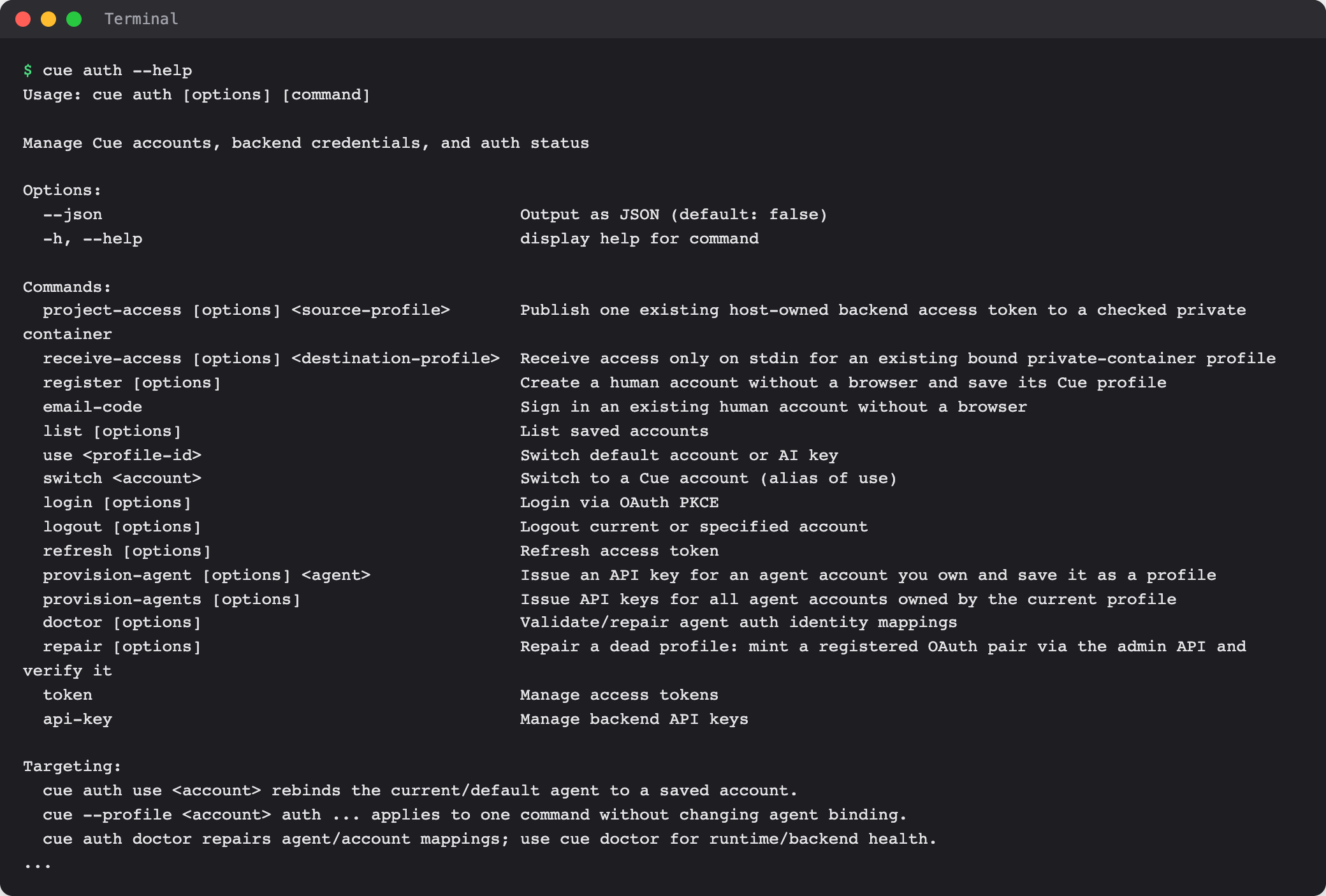
Check which account your commands use, and list the accounts you have saved:
cue auth --json cue auth list --json --summary -
Make a saved account the default for your current agent:
cue auth use <account> -
Use a different account for one command only. Global options such as
--profilego before the command:cue --profile <account> usage -
Sign out of one account, or all of them:
cue auth logout --profile <account>
cue auth logout --all
Sign in without a browser
On a server or a computer with no browser, ask for a one-time code by email, then pass the code in privately rather than typing it on the command line:
cue auth email-code request --email <your-email> --json
cue auth email-code login --email <your-email> --code-stdin --json
The second command reads the six-digit code from standard input. Cue CLI never prints codes or tokens.
AI provider keys
List the keys you have saved, and see the key formats and how to test one:
cue provider list --json
cue provider -h
cue provider test -h
You can choose the provider and model for all agents, for one agent, or for one run. cue run -h shows the order Cue uses to pick them.
Where Cue CLI keeps sign-in details
~/.cue/config.jsonholds settings for your computer.~/.cue/accounts.jsonholds your Cue OS accounts.~/.cue/ai-keys.jsonholds your AI provider keys.~/.cue/agents/<agent>/agent.jsonholds each agent's account, provider, model, and workspace.
Use the commands above rather than editing these files, so Cue CLI can check the values and keep them in step.
On the web
The web signs you in on its own page and does not change which account Cue CLI uses. Create a Cue OS account at cueos.ai/signup. For setup without prompts, create a Cue API key under Settings → API Keys; see Cue CLI setup.
On iPhone and Android
The iPhone and Android apps are coming; store review is pending. You can use Cue OS in your phone browser now.
Limits today
- An AI provider key is enough for terminal chat. Inbox, files, notifications, and publishing need a Cue OS account.
- With more than one saved account, some commands do not pick one for you. Pass
--profile <account>or--agent <agent>before the command. cue auth doctorchecks how agents map to accounts. For install and connection problems, usecue doctor.
Related
Cue CLI setup · Windows · Agent runtime and models · cue auth reference · cue provider reference · Cue CLI command reference