GitHub
Connect a GitHub account to Cue OS, understand the repository access it grants, and remove it.
Connect GitHub to Cue OS to link your GitHub account and repositories to your Cue OS account. The connection uses GitHub's own sign-in. It grants broad access to your repositories, so connect it only when you want Cue to work with your code.
What you can do
- Link your GitHub account in Settings → Connectors and see which account is connected.
- Give your own scripts a fresh GitHub token with
cue secret github. - Disconnect GitHub from Cue OS, and revoke the app at GitHub.
On the web
- Open Settings → Connectors and select GitHub under Add connectors. The card reads "Connect your GitHub repositories" and lists 2 permission scopes.
- Choose Connect. GitHub's sign-in opens in a pop-up. Cue OS asks for the
reposcope, which gives full read and write access to your public and private repositories, anduser:email, which lets it read your email addresses. - Back in Cue OS, GitHub appears under Enabled connectors with the connected account.
- To remove it, open the card, choose Disconnect, and confirm. Cue OS deletes its copy of the connection but does not cancel the authorization at GitHub. To do that too, open your GitHub settings, go to Applications, and revoke the Cue app there.
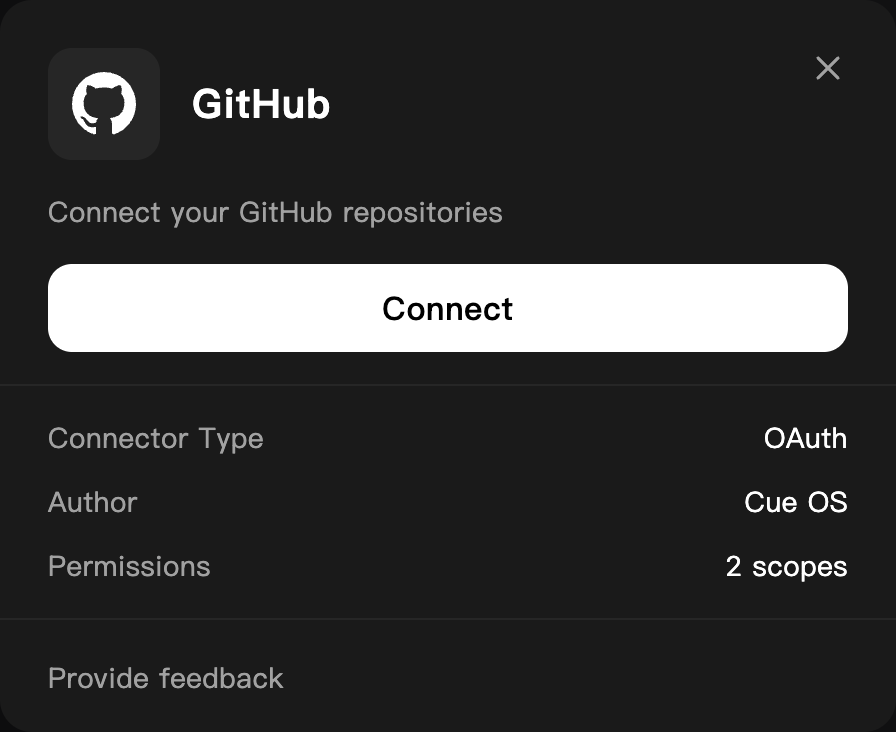
The GitHub card before connecting, on a dedicated QA account.
On iPhone and Android
The iPhone and Android apps are coming; store review is pending. You can use Cue OS in your phone browser now. Open Settings → Connectors and follow the web steps.
With Cue CLI
Cue CLI has no GitHub command of its own. You manage the connection with cue integration, and scripts can borrow its token with cue secret.
-
Connect or check the connection. If it is not connected, the first command prints a link; open it, approve, and list again:
cue integration connect github cue integration list -
Give a script a fresh token. Treat the output like a password:
GH_TOKEN=$(cue secret github) gh repo list -
Remove the connection from Cue OS:
cue integration revoke github --json
See the command reference for every option.
Limits today
- The
reposcope reaches every repository your GitHub account can reach, with write access. A narrower choice is not offered. - Disconnecting does not revoke the authorization at GitHub; revoke it in your GitHub settings as well.
cue sandbox tool install ghinstalls the GitHub CLI in a Cue sandbox and signs it in with this connection. That path was not checked for this page, and no other Cue feature using the connection was confirmed.- Agent accounts cannot get a raw GitHub token with
cue secret; the command exits with code 7. - Connecting, disconnecting, and reconnecting GitHub were not walked end to end for this page; the steps follow the live card up to GitHub's sign-in, plus the product code.
Related
Extensions and integrations · Cue Computer · Cue CLI command reference