Extensions and integrations
Connect Gmail, Google Calendar, Google Drive, and other services to Cue OS, review what each connection can reach, and disconnect it.
Cue OS can connect to services you already use, so Cue can read your calendar, find a Drive file, or draft an email for you. On the web these connections are called Connectors. Each one uses the service's own sign-in, and you can see and remove it at any time.
Chat apps such as Discord, Telegram, WhatsApp, and Feishu work differently: they connect a bot or a linked device to an agent running on your computer. See Chat channels below.
What you can do
- Connect one of nine offered services: Gmail, Google Calendar, Google Drive, Slack, GitHub, DigitalOcean, OpenAI Codex, LinkedIn, and X.
- See which account is connected and how many permissions it holds.
- Reconnect a connection that expired or is missing permissions.
- Disconnect a service so Cue can no longer use it.
- Use the same connections from Cue CLI, including
cue gmail,cue gcal, andcue gdrive.
On the web
- Sign in and open Settings → Connectors. Connected services are listed under Enabled connectors; the rest are under Add connectors. Use Search apps... to filter.
- Select a service to open its card. The card shows what the service is for, its status, the Connected account, and Permissions (the number of permission scopes).
- Choose Connect (for Slack, Connect with Slack). The service's sign-in opens in a pop-up window. If your browser blocks it, Cue OS asks you to allow pop-ups for the site.
- Sign in and review what the service asks you to allow. When you return, Cue OS shows "Name connected successfully!" and the service moves to Enabled connectors. If you allowed less than the connector needs, you see "connected with limited access" and a prompt to reconnect.
- To remove access, open the card and choose Disconnect. Cue OS asks "Disconnect Name?" and explains that Cue will no longer have access to that data. Choose Disconnect to confirm, or Cancel.
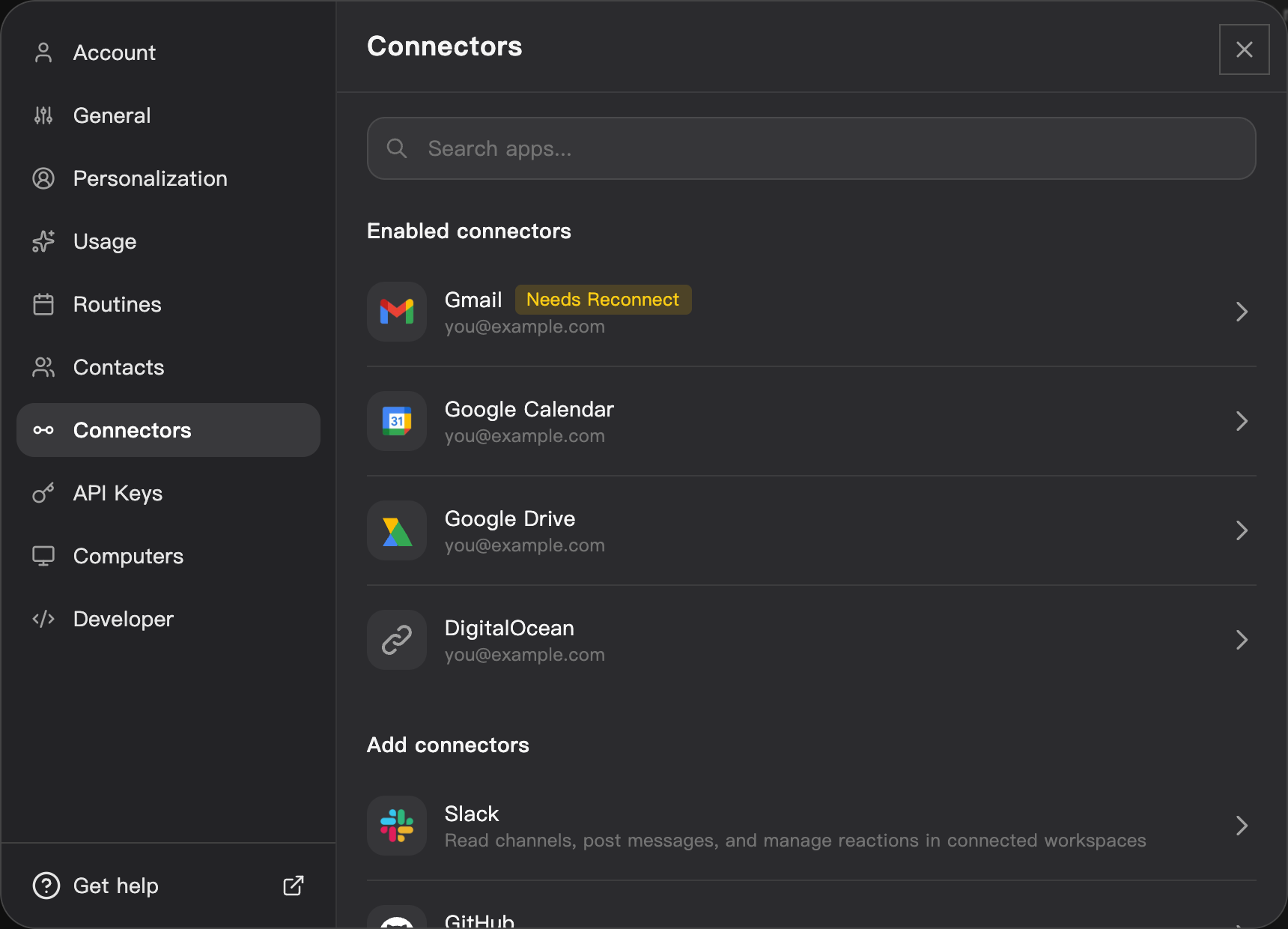
Connectors on the web, using a dedicated QA account. The account address is replaced with an example.
When a card says Needs Reconnect
Needs Reconnect in the list, or Reconnect required on the card, means the connection expired, was revoked at the service, or is missing a permission the connector now needs. The card offers Reconnect, which repeats the sign-in, and Disconnect instead.
Check what a connection can reach
The card shows the connected account and a permission count. For the exact permissions, use cue integration list (below): it lists each granted scope, any missing scopes, and when the current access token expires. An expiry time in the past is normal; Cue refreshes the token the next time it uses the service.
When you disconnect, Cue OS deletes its copy of the connection. For Google services and Slack it also asks the service to cancel the access token. For LinkedIn and X it asks the sign-in service that holds the connection to delete it. You can double-check from the service's own list of connected apps.
When Cue asks you first
An agent that acts with its own agent account asks its owner before it changes things through your connections. This covers sending, replying to, trashing, or deleting email; creating, changing, deleting, or answering calendar events; uploading, changing, or deleting Drive files and folders; and creating, commenting on, or deleting LinkedIn posts.
If you started that agent's current work yourself, the action runs without a question. If the work came from someone else, for example another person or agent that messaged it, you see a card in your direct chat with that agent, such as "Allow gmail — send for recipient?". Choose Approve or Decline, and optionally Add a note. The card shows when it expires. An approval covers that one action with exactly those details; the agent cannot reuse it or change the details. After a decline, the agent is told not to retry.
On iPhone and Android
The iPhone and Android apps are coming; store review is pending. You can use Cue OS in your phone browser now.
- In your phone browser, sign in and open Settings → Connectors.
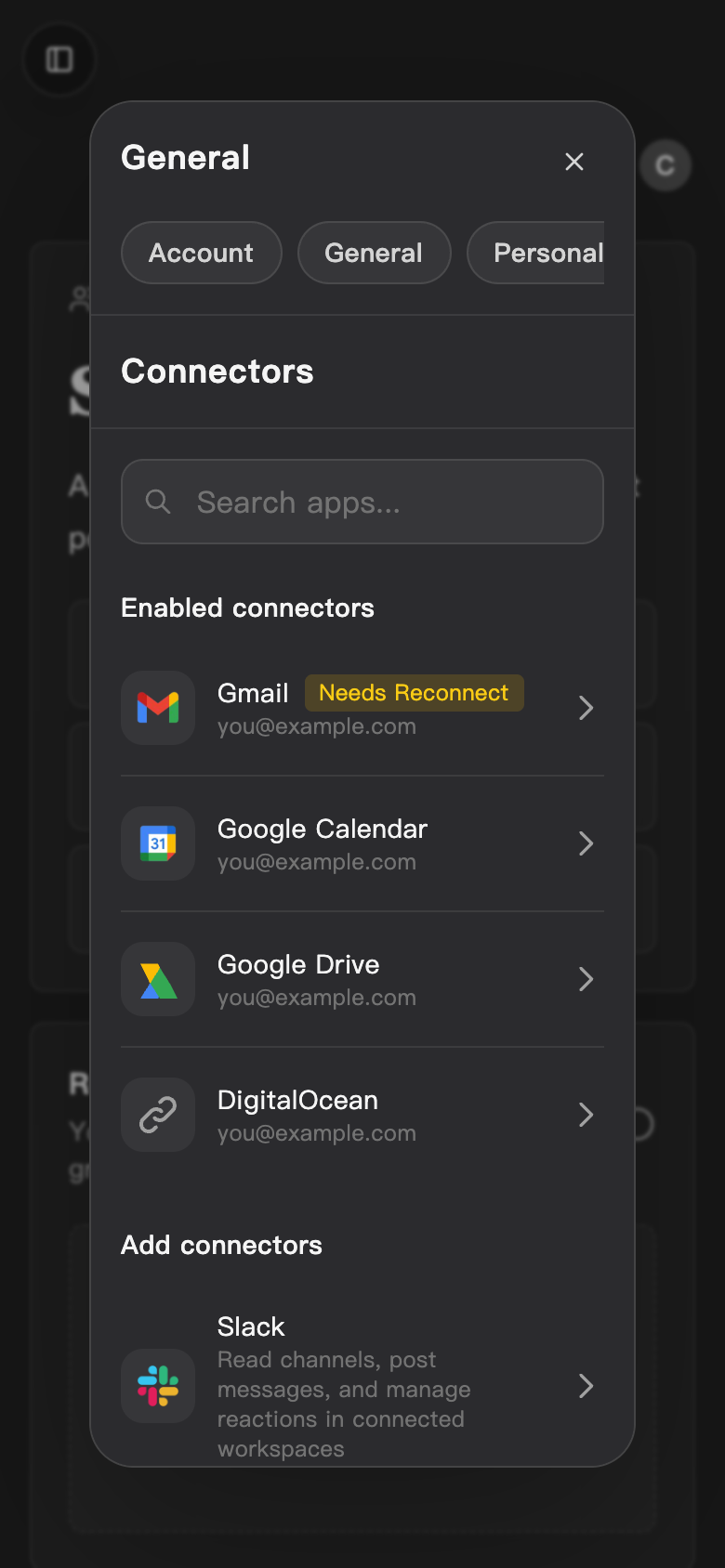
- Follow the web steps above. The same list, cards, and buttons appear at phone width.
With Cue CLI
-
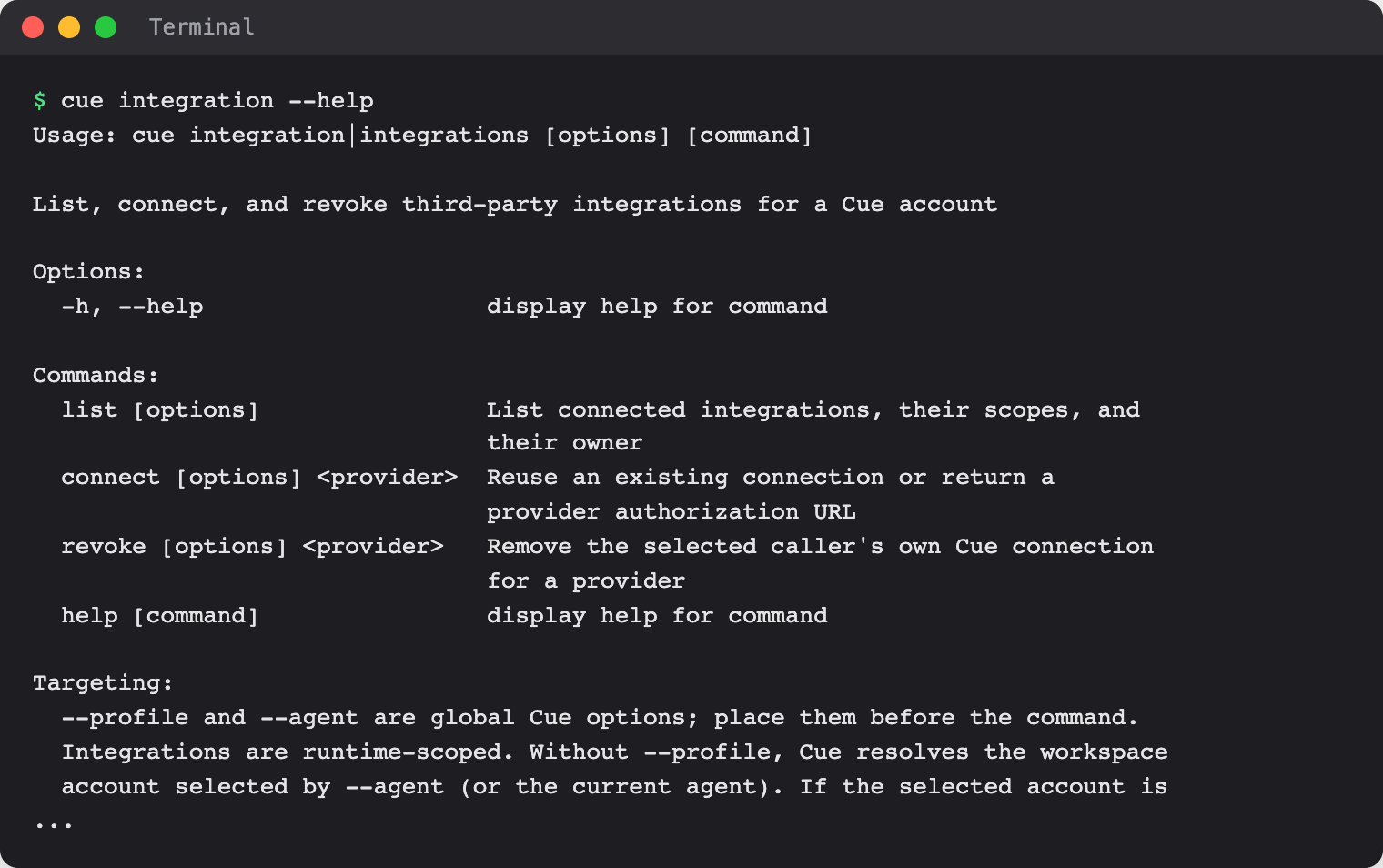
List the connections for your account, with their scopes, missing scopes, expiry, and owner:
cue integration list cue integration list --json -
Connect a service. If a working connection already exists, Cue reuses it. Otherwise the command prints an authorization link. It never opens the link or grants access by itself: open it in a browser, approve, then run
cue integration listto confirm.cue integration connect gmail -
Remove your connection, then check the list again. Exit code 3 means it was already not connected.
cue integration revoke gmail --json
cue integration list --json
Use these provider IDs with connect and revoke:
| Service | Provider ID |
|---|---|
| Gmail | gmail |
| Google Calendar | google_calendar |
| Google Drive | google_drive |
| Slack | slack |
| GitHub | github |
| DigitalOcean | digitalocean |
| OpenAI Codex | openai_codex_byok |
composio_linkedin | |
| X | composio_twitter |
With several saved accounts, put --profile <account> or --agent <name> before the command, for example cue --profile <account> integration list, and use the same target for list, connect, and revoke. An agent uses its own connection first. It can use its creator's connection only when the creator has granted that service to it; revoking the agent's connection does not touch the creator's.
For scripts that call a service directly, cue secret <provider> prints a fresh access token for your own account. Treat it like a password. Agent accounts cannot get these tokens: the command exits with code 7 and, where one exists, names the command to use instead, such as cue gmail.
See the command reference for every option.
Chat channels
Discord, Telegram, WhatsApp, and Feishu and Lark let you talk to an agent from those apps. They are set up with Cue CLI on the computer where the agent runs, not in Connectors, and only the people you add as owners can use them. A Slack bot is set up the same way; see Slack. To connect these apps to OpenClaw instead, see OpenClaw setup.
Limits today
- Only the nine services above are offered.
cue integration listcan show other provider names from older connections; they are not offered for new connections. - According to the product code, Connect on the DigitalOcean and OpenAI Codex cards has no sign-in to open in this release and is expected to show "Failed to initiate connection". See those pages for details.
- The first-time connect, disconnect, and reconnect flows were not walked end to end for these pages. The steps above follow the live screens up to the service's sign-in, plus the product code. What each service shows during sign-in is up to that service.
- The web card shows a count of permissions, not their names. Use
cue integration listfor the names. - There is no screen yet for granting one of your connections to an agent.
- A connection says what Cue may do, not that every action will succeed. The service's own limits and your account settings still apply.
- To report a problem with a connector, use Provide feedback on its card.
Related
Gmail · Google Calendar · Google Drive · Cue Computer · Safety, privacy, and your account · Cue CLI command reference