Telegram
Message a Cue agent from Telegram through a bot you create with BotFather, set up with Cue CLI on your computer.
Cue OS lets you message a Cue agent from Telegram. You create a Telegram bot with BotFather, and Cue CLI on your computer connects to it and answers as your agent. Only the people you add as owners can run the agent.
What you can do
- Send your bot a direct message and get Cue's reply in the same chat.
- Add the bot to a group and mention it or reply to it.
- Decide who may run the agent: only owners you add on your computer.
On the web
There is no Telegram setup screen in Cue OS on the web, and Telegram is not listed in Settings → Connectors. Set it up with Cue CLI as shown below.
On iPhone and Android
The iPhone and Android apps are coming; store review is pending. You can use Cue OS in your phone browser now. Once the bot is set up, you can message it from the Telegram app on your phone.
With Cue CLI
The bot runs in Cue CLI's background worker on the computer where your agent lives. These steps use the default agent, main.
-
In Telegram, open @BotFather and send
/newbot. Choose a display name and a username, then copy the token BotFather sends. Treat it like a password. -
Save the token for the agent.
read -rswaits for you to paste the token without showing it; press Enter after pasting. Cue stores the token in its local credential file rather than in the agent settings:read -rs TELEGRAM_BOT_TOKEN cue config set agents.main.channels.telegram.token "$TELEGRAM_BOT_TOKEN" --json -
Turn the bot on for direct messages. This also checks the token with Telegram:
cue --agent main telegram setup --dm-policy open --json -
Restart the background worker so it picks up the change, then check the connection:
cue client restart --agent main --json
cue --agent main telegram status --validate --json
cue --agent main channel status --provider telegram --json
If the status says the channel runtime worker is unavailable, start it with
cue client start --agent main. -
Open
https://t.me/<your-bot-username>, tap Start, and send a message. A bot cannot message you first. Until you are an owner, it replies "Access denied. Your telegram user ID is your ID" and shows the command to run. Run it on your computer, then message the bot again:cue --agent main channel owner add --provider telegram <your-telegram-user-id> -
To use the bot in a group, add it to the group, allow only yourself, and restart the worker. In groups the bot answers only when you mention it or reply to one of its messages:
cue --agent main telegram setup --group-policy allowlist --group-user <your-telegram-user-id> --json cue client restart --agent main --json -
To turn the bot off, disable it and restart the worker. To cancel the token itself, use
/revokein BotFather:cue --agent main telegram disable --json cue client restart --agent main --json
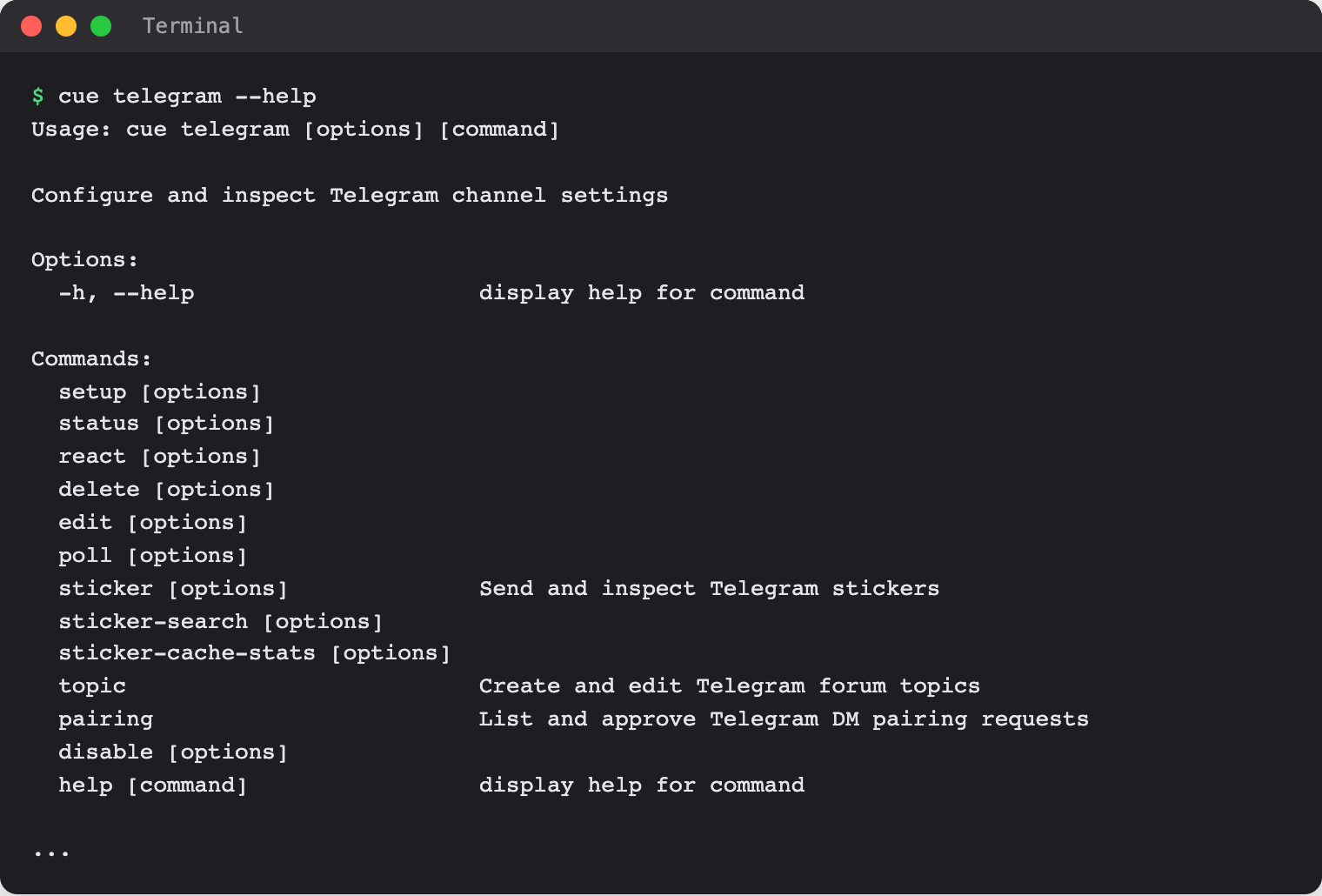
See the command reference for every option.
When Cue asks you first
The bot runs only for its owners. Anyone else who messages it gets the "Access denied" reply and the agent does not run. In a group, that reply goes out at most once a minute. To have Cue ignore strangers instead, allow only yourself with cue --agent main telegram setup --dm-policy allowlist --dm-user <your-telegram-user-id> --json.
With --dm-policy pairing, a stranger gets a pairing code, and cue --agent main telegram pairing approve <code> lets that person through. Approving a pairing does not make them an owner, so the agent still does not run for them until you add them with cue --agent main channel owner add.
Remove an owner with cue --agent main channel owner remove --provider telegram <user-id>. Owner changes apply to the next message without a restart.
Limits today
- The bot runs only while your computer is on and Cue CLI's background worker is running.
- A Telegram bot token can serve only one program at a time. If another tool already uses the same bot, create a separate bot for Cue.
- Replies include the model's reasoning text when the model returns any. To leave it out, run
cue config set agents.main.channels.telegram.includeThinking false --jsonand restart the worker. cue telegram setup --token-envreads the token from an environment variable of the background worker, which may not see variables you set in your terminal. Saving the token withcue config set, as above, avoids that.- Creating a bot, a full message round trip, and turning the bot off were not walked end to end for this page. The steps follow Cue CLI's help and code.
Related
Extensions and integrations · Discord · WhatsApp · OpenClaw on Telegram · Cue CLI command reference