Places
Find a place, see what is nearby, and read its details.
Places on Cue OS gives Cue and you information about real places: parks, shops, restaurants, and more. Cue CLI searches by name or near a point on the map, and returns each place's address, rating, opening status, and details.
What you can do
- Search for a place by name.
- Find places of a type, such as restaurants, near a point.
- Read a place's phone number, website, and opening hours, with reviews and photos if you ask.
On the web
Cue OS has no places page on the web. Use Cue CLI below.
On iPhone and Android
The iPhone and Android apps are coming; store review is pending. You can use Cue OS in your phone browser now. Places is a Cue CLI command.
With Cue CLI
-
Set up Cue CLI and sign in. Places needs a signed-in account.
-
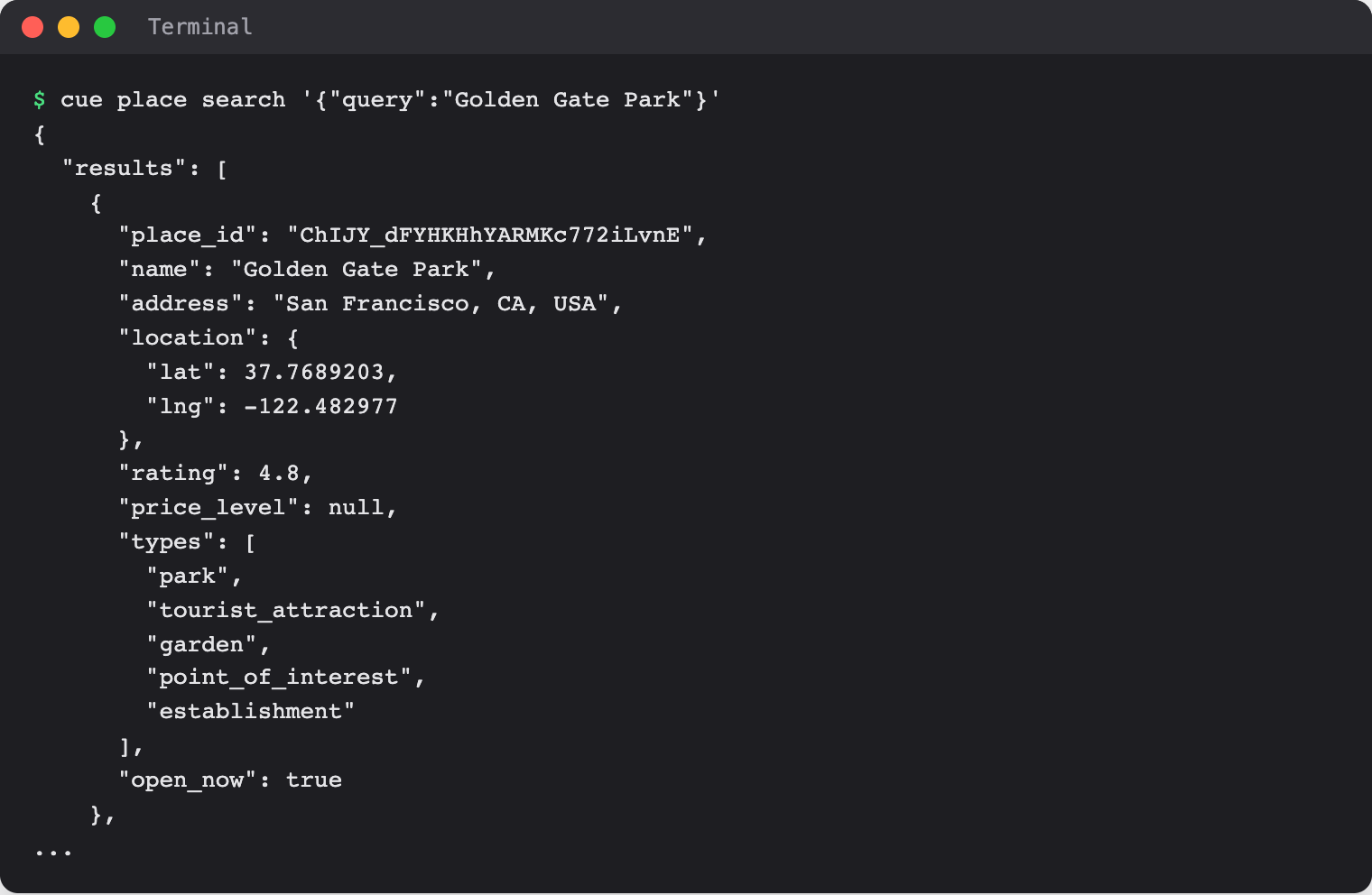
Search by name. The search is written as a small piece of JSON:
cue place search '{"query":"Golden Gate Park"}' -
Or find places of a type within a distance, in meters, of a point:
cue place nearby '{"location":{"lat":37.7689,"lng":-122.4830,"radius_m":1500},"included_types":["restaurant"]}' -
Copy a
place_idfrom the results and read its details, with reviews and photos:cue place get <place-id> --reviews --photos -
To get a link to a photo, copy the photo's full
namefrom those details. It looks likeplaces/<place-id>/photos/<photo-ref>:cue place photo <place-id> <photo-name>
Limits today
- Results can be incomplete or out of date. Check opening hours and directions with the place before you go.
- Every command prints JSON.
--jsonis accepted and changes nothing. - A name can match more than one place, such as a park and the neighborhood around it. Check the address and types.
Related
Cue CLI on cueos.ai · Weather · Search and everyday tools · cue place reference